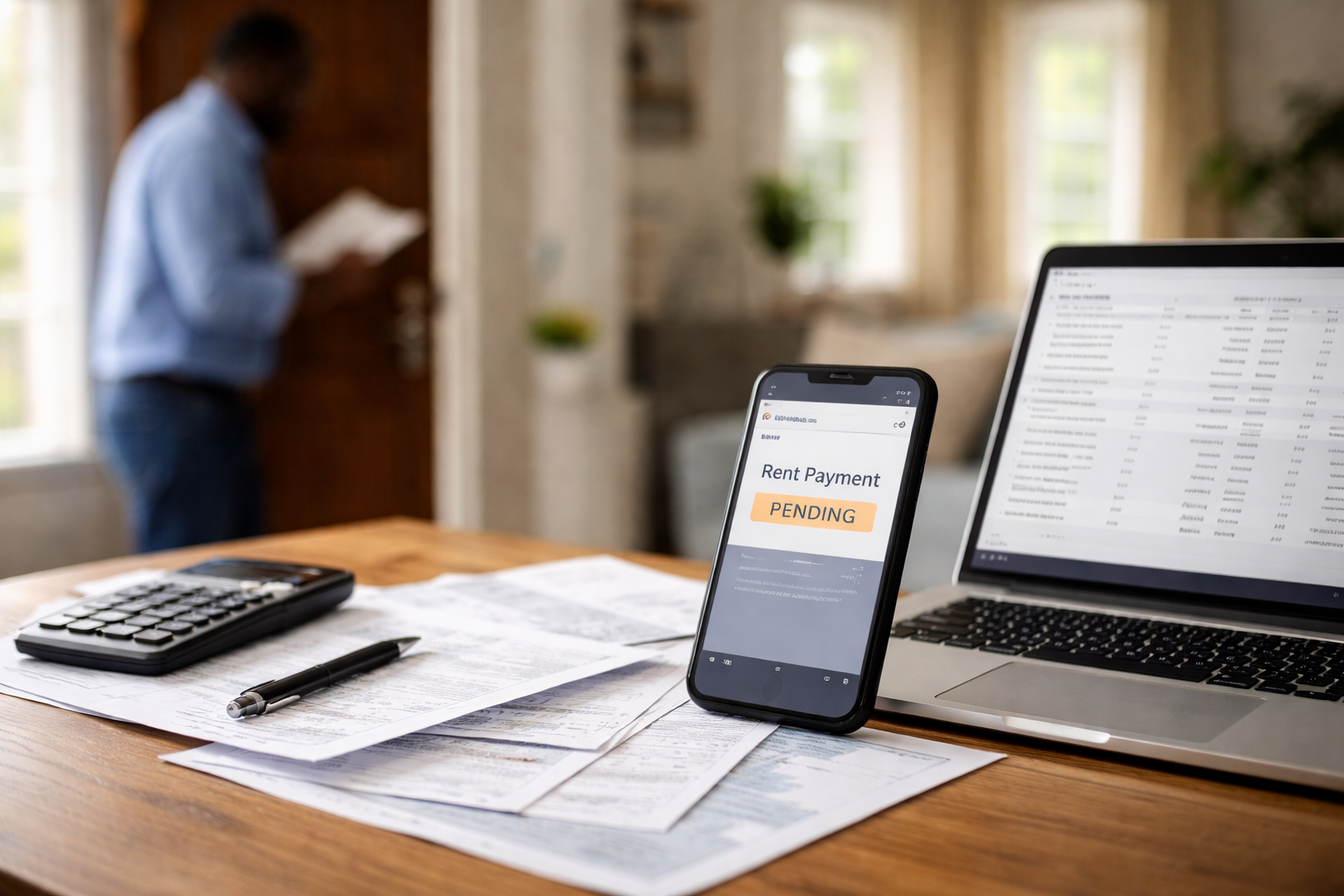
Rent payment pending but landlord says unpaid.
I noticed it in the most normal way: a quick glance at my banking app because I didn’t want to think about rent anymore. The payment was there, the amount was correct, and the status said “pending.” I remember thinking, “Okay, done.” Then I got the message from the property manager—short, formal, and instantly irritating: “Your rent has not been received.”
That’s the moment the situation turns. Not into panic, but into a time-sensitive problem. You’re holding proof that you initiated the payment, while the landlord is looking at a ledger that says “unpaid.” When those two realities collide, the only thing that protects you is a clean timeline and the right documents—sent fast. If you’re in a rent payment pending but landlord says unpaid situation, the goal isn’t to argue. It’s to stop penalties and lock in proof.
If you want the “how billing systems mess this up” overview (and how to document disputes without escalating the tone), this hub-style guide is the closest match.
The core problem: pending is not settled
A rent payment pending but landlord says unpaid conflict usually happens because “pending” is an authorization or initiation—NOT the final settlement. Your bank may show the attempt immediately, but the landlord’s system often updates only when funds settle.
Here’s the most important mental model: your bank app is showing your side of the transaction; the landlord’s ledger is showing theirs. They do not sync in real time, and many property managers treat anything short of settled as “not paid.”
What landlords actually track
Most landlords (and especially property management companies) rely on an internal rent ledger. If money isn’t posted, their system can auto-generate a reminder, a late fee, or a notice. In a rent payment pending but landlord says unpaid scenario, the landlord may not even be accusing you—they may be responding to automation.
This is why your response should be designed to do three things:
- Freeze penalties: get written confirmation that late fees/notices are paused while settlement completes.
- Prove initiation: show confirmation IDs, timestamps, or receipts—anything system-readable.
- Create an audit trail: keep everything in writing so you can reference it later if needed.
Fast self-check: your exact payment path
Before you send anything, identify which lane you’re in. A rent payment pending but landlord says unpaid issue resolves faster when you match the right lane:
- ACH / bank transfer: pending can be normal for 1–3 business days (longer around weekends/holidays).
- Credit/debit card: authorization can be immediate, settlement later.
- Rent portal: portal can lag even after your bank updates.
- Third-party payment app: your app may show “sent” while landlord shows “not received.”
Do not treat every pending payment like a dispute. Treat it like a timing mismatch first—then escalate only if the timing stops making sense.
The one message that prevents late fees
Most tenants send something like “I paid already.” That invites pushback. Instead, send a message that is calm, specific, and penalty-focused. Use this exact structure:
Message template:
“Hi [Name], I submitted rent on [date/time] via [ACH/credit card/portal]. My bank shows it as pending while settlement completes. I’m attaching proof of initiation. Can you confirm in writing that late fees and notices will be paused until the payment posts on your ledger?”
If you only do one thing today, do that. In a rent payment pending but landlord says unpaid situation, getting the pause in writing is the difference between “annoying” and “expensive.”
What proof to attach (use the strongest you have)
- Portal receipt: confirmation number + timestamp.
- Bank screenshot: pending status + merchant/recipient name + date/time.
- Email receipt: auto-confirmation from the portal/provider.
- Transaction details page: not just the list view—open the transaction details screen if possible.
Send attachments once, clearly labeled. Repeated vague “I paid” messages are ignored faster than a single clean proof package.
LONG BLOCK: detailed case breakdown (match your exact situation)
Below is the case branching block. Find the one that matches your timeline and follow the action step exactly. Each case includes a “checkpoint question” that forces clarity without sounding hostile.
Case A: ACH pending 1–3 business days (most common)
If you paid by ACH on a Friday night or weekend, “pending” may be normal until the next business day cycle.
- Do now: Send the template message and ask for penalty pause.
- Checkpoint question: “Can you confirm what date your system posts ACH settlements, so we’re aligned on timing?”
- Watch for: a portal status that stays “processing” with no receipt—request a confirmation ID.
Case B: Credit card pending (authorization hold)
Cards can authorize instantly but settle later; some processors batch settlement overnight.
- Do now: attach the card authorization screen and any portal receipt.
- Checkpoint question: “If settlement posts after hours, will your ledger update the next business morning without fees?”
- Watch for: merchant descriptor mismatch (portal name vs management company name).
Case C: Pending longer than expected (timing stopped making sense)
This is where you move from “timing mismatch” to “possible processing problem.”
- Do now: call your bank/payment provider and ask whether the transaction is “authorized,” “processing,” or “stuck.”
- Checkpoint question: “Can you provide a trace/reference number I can share with the landlord’s accounting team?”
- Watch for: “reversed” or “voided” status hiding behind the pending label.
Case D: Landlord sent a late fee notice while it’s pending
Many notices are automated. The goal is to stop the machine, not fight the person.
- Do now: reply to the notice email with your proof and ask for written fee suspension.
- Checkpoint question: “Please note the pending payment in my file—can you confirm late fees will be waived if the payment settles?”
- Watch for: language like “must pay today” while your payment is already in motion.
Case E: Portal shows “unpaid” but your bank shows pending
Portals often update last. Your proof should focus on submission and receipt.
- Do now: request the portal receipt or submission log from the portal support team if you lack a confirmation ID.
- Checkpoint question: “Is there a submission log showing my payment attempt on [date/time]?”
- Watch for: partial submission—entered payment but failed final confirmation step.
Case F: You’re tempted to pay again “just in case”
This creates the worst outcome: a second successful payment and a fight to get one refunded.
- Do now: do NOT pay again unless you get written instruction from the landlord on how they want it handled.
- Checkpoint question: “Before I submit a second payment, can you confirm in writing whether the pending payment will be rejected or posted?”
- Watch for: bank holds that later finalize, making you effectively pay twice.
Case G: Payment app / third-party bill pay shows “sent”
Some apps show “sent” when they mail a check or initiate an ACH—not when the landlord receives it.
- Do now: request the delivery timeline and any tracking/trace number.
- Checkpoint question: “Does your system mark payment only when deposited, and can you pause fees until delivery completes?”
- Watch for: mailed checks arriving after the due date even though you initiated on time.
Case H: Landlord refuses to pause fees (rare, but happens)
This is where your documentation needs to be extremely clean.
- Do now: respond once, calmly, restating: submission time, method, proof attached, and requesting a written reason for refusing the pause.
- Checkpoint question: “Can you confirm your policy for pending payments and provide where it’s stated in the lease/portal terms?”
- Watch for: silence—if they won’t answer, your written record matters later.
If you’re still thinking “Which case am I?”—choose the case that matches your payment method first. Then match by timing. Most rent payment pending but landlord says unpaid situations are Case A or B.
If you’re even considering making a second rent payment because you’re trying to avoid trouble, read this first. It’s the fastest way to prevent a costly “double payment” situation.
What not to do (mistakes that make it worse)
- Don’t wait quietly while notices generate—ask for a written pause immediately.
- Don’t send ten messages without attachments—send one clean proof package.
- Don’t accuse fraud unless you have evidence—keep it timing-and-process focused.
- Don’t pay again unless you have written guidance on how duplicates will be handled.
A rent payment pending but landlord says unpaid issue is often resolved simply by pushing the right proof into the right inbox. Your goal is to be the easiest tenant to verify.
Official reference
If your payment was by card and you need official guidance on billing error handling and documentation, this CFPB resource explains the general steps without hype. Use it as a reference—not a threat.
Keep your tone neutral: “I’m reviewing documentation steps,” not “I’m filing complaints.” The fastest outcomes happen when you sound organized, not angry.
FAQ
How long is “too long” for pending?
It depends on method. ACH often moves in business-day windows; card settlement timing varies by processor. If the timing passes the normal window for your method and your bank says it’s stuck, treat it as a processing problem—not just a delay.
Should I pay with another method to avoid a late fee?
Not automatically. First ask for written confirmation that fees/notices are paused. If the landlord demands a second payment, ask for written confirmation on how duplicates will be refunded or credited.
What if the landlord says “pending doesn’t count”?
Reply with your proof and request a pause until settlement. Ask for the policy language they’re using. Keep it factual and written.
What if the portal has no confirmation number?
Screenshot the submission state and contact portal support for a submission log. Without a confirmation ID, your bank timestamp becomes more important.
Key Takeaways
- rent payment pending but landlord says unpaid is usually a timing mismatch between bank initiation and landlord posting.
- Your first priority is a written pause on late fees/notices while settlement completes.
- Send one proof package with timestamps, method, and any confirmation ID—then ask one clear question.
- Do not pay again unless you have written guidance on duplicate handling.
If this situation is part of a bigger breakdown in communication and you’re trying to understand your options without making rushed decisions, this guide helps you think through next steps calmly.
I’ll say the quiet part out loud: if you’re staring at “pending” while being told “unpaid,” you’re not being dramatic—you’re being careful. You caught the mismatch early, which is exactly when it can be fixed cleanly. Most penalties happen when tenants don’t document the gap until it’s already a month later.
Do this right now: send the template message with your timestamp and proof, and ask for written confirmation that late fees and notices are paused until the payment posts. If you don’t get a clear response within one business day, follow up once with the checkpoint question for your case. That’s how you close a rent payment pending but landlord says unpaid situation without paying twice or absorbing fees you don’t deserve.