
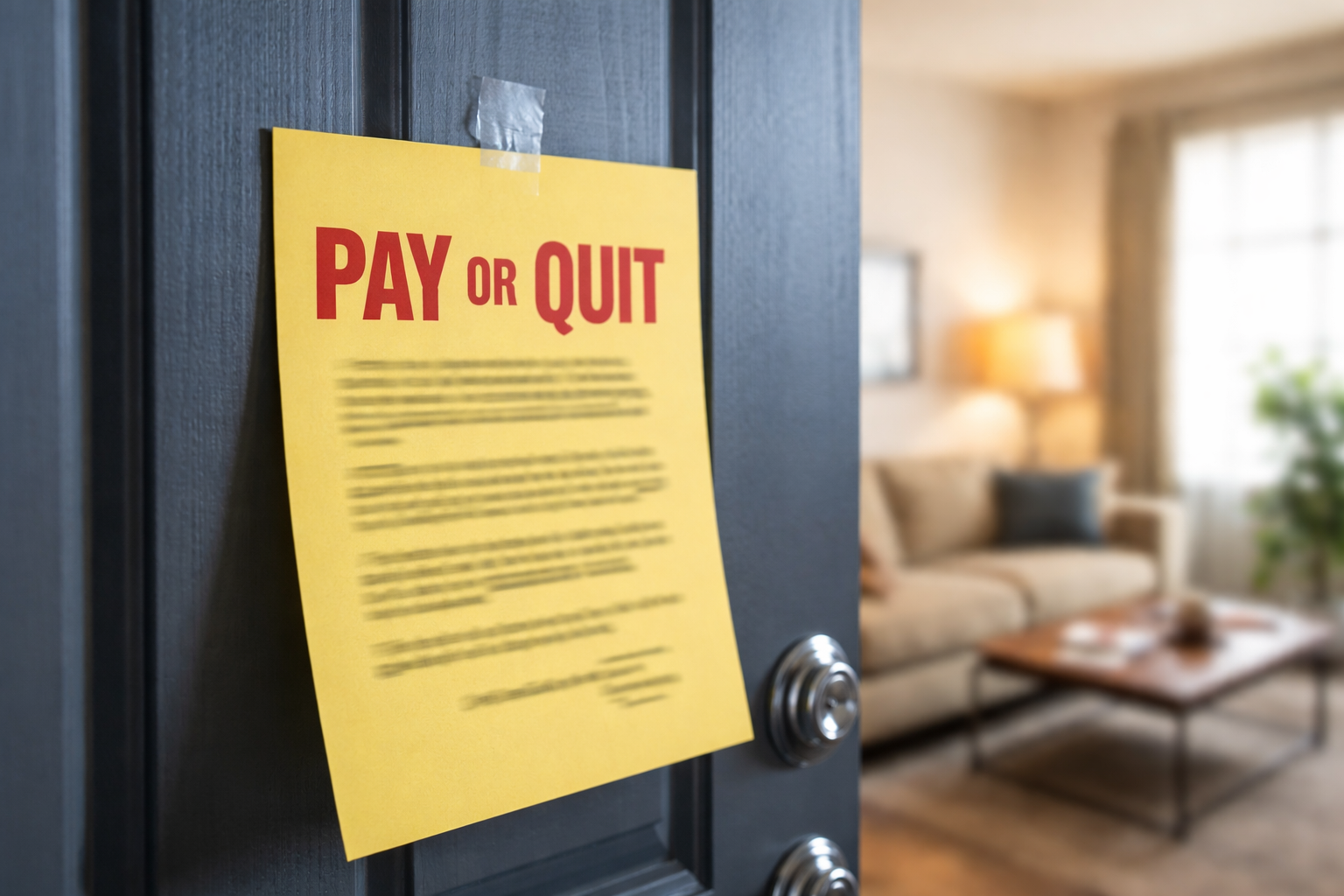
Pay or Quit Notice After Online Rent Payment was the last thing I expected to see taped to my door. I had paid through the portal the night before. I had a confirmation screen, a receipt email, and a bank alert showing the money left my account. The notice didn’t care. It was blunt: pay within the deadline or leave.
I wasn’t screaming or spiraling. I was stuck on one thought: How can I be “unpaid” if my bank already shows the rent money is gone? If you’re here because you got a pay or quit notice after online rent payment, you’re in that same gap between “payment submitted” and “payment posted.” That gap is where systems generate notices, and where tenants lose time if they wait.
What makes this situation different from a generic late-rent problem is timing. Online portals can show “paid” while the landlord’s ledger still shows “balance due.” And many landlords treat the ledger as the only truth until settlement is complete.
To set context quickly, this related page covers the broader “I already paid” eviction-notice scenario:
Read it if your notice claims you never paid at all, not just that you’re “late.”
Why This Happens Even When You Paid
A pay or quit notice after online rent payment usually happens because “confirmation” is not the same as “posted funds.” Most portals involve at least two tracks:
Track A (what you see): You click submit, you get a receipt, your portal shows payment initiated or completed.
Track B (what the landlord uses): The rent ledger updates only when the payment is approved, settled, and matched to your unit account.
Here are the common triggers that create the mismatch:
• ACH processing delays (especially weekends/holidays)
• Payment submitted after a cutoff time (posted next business day)
• Partial payment rules (portal accepts it; ledger flags it)
• Returned payments (insufficient funds, wrong routing/account type)
• Ledger batch posting (manager posts once daily or every few days)
• Separate “late fee” automation that generates notices before posting catches up
So yes: your bank can show money deducted while the landlord’s system still calls you unpaid. That is how a pay or quit notice after online rent payment can appear even when you did the right thing.
For an official federal overview of tenant protections and notice rights, HUD provides a public rights guide that explains how eviction notices and due process generally work in federally assisted housing programs.
Always review your state-specific laws in addition to federal guidance.
Fast Self-Check
Answer these now (yes/no):
1) Do you have a portal receipt with a timestamp?
2) Does your bank show a posted transaction (not just “pending”)?
3) Was the payment submitted after business hours or on a weekend?
4) Does the notice mention a specific dollar amount (rent + fees)?
5) Does your lease require certified funds after a certain date?
If you answered “no” to #1 or #2, treat this as urgent evidence collection, not a waiting game.
Which Version Are You In?
To solve a pay or quit notice after online rent payment, you need to diagnose the exact version of the problem. Use the boxes below like a decision tree and follow only the steps for your case.
Case 1: Your bank shows “posted” AND the portal receipt is dated before the notice
What it usually means: Your payment is real, but the landlord’s ledger hasn’t been updated or was reviewed too early.
What to do today:
• Email management with (a) portal receipt (b) bank posted proof (c) request written withdrawal of the notice.
• Ask for an updated ledger screenshot or statement showing your balance is zero.
• Keep your message short and factual. Don’t debate. Don’t accuse.
Your goal is a written “notice withdrawn” message you can save.
Case 2: Bank shows “pending” (or no record yet), but portal says “payment submitted”
What it usually means: ACH is processing. The portal accepted the request; funds haven’t settled.
What to do today:
• Send the portal receipt immediately and ask whether they accept “processing” proof for withdrawal.
• Ask what forms of payment stop action fastest (money order/cashier’s check) without paying twice yet.
• Request the exact total they claim is due (rent + late fees + notice fees).
Do not assume pending equals paid in the landlord’s world.
Case 3: Portal says “paid” but your bank later shows a reversal/return
What it usually means: The payment failed after submission (insufficient funds, wrong account type, routing mismatch, daily limits).
What to do today:
• Confirm with your bank whether the transaction was returned and why.
• Ask the landlord for the returned-payment code or failure notice from their processor.
• Pay with an allowed method that clears faster (often certified funds).
This is the one case where “I paid” can collapse fast if you don’t verify the bank status.
Case 4: You paid rent, but the notice includes late fees or partial-balance rules
What it usually means: Some leases treat partial payments differently or require the full balance including fees by a deadline. Systems then issue a notice for the remaining balance.
What to do today:
• Ask for an itemized ledger showing the remaining balance (rent vs fees).
• Request a one-time waiver if the fees triggered due to system delay.
• Get the waiver or balance confirmation in writing.
This is how a pay or quit notice after online rent payment can be “technically correct” even if you paid most of the rent.
What Landlords Actually Look At
When you challenge a pay or quit notice after online rent payment, you may think your receipt ends the conversation. Many landlords won’t treat it that way. They often rely on:
• Their internal rent ledger status
• Processor settlement reports (ACH batch confirmations)
• Lease clauses about late fees and certified funds
• A property manager’s daily posting schedule
If the ledger still shows a balance, your proof needs to be packaged so a manager can fix it quickly. You’re not trying to “win an argument.” You’re trying to create a record that forces a correction.
What to Send (Copy-and-Use Message)
Use something like this. Keep it calm and tight:
Subject: Rent Payment Proof – Request to Withdraw Notice
Hello [Manager Name],
I received a Pay or Quit Notice today, but I submitted my rent payment online on [date/time]. Attached are (1) the portal receipt and (2) my bank record showing the transaction status.
Please confirm in writing whether the notice will be withdrawn once the payment posts to the ledger, and provide an updated ledger balance for my unit.
Thank you,
[Your Name] – Unit [#]
A message like that creates a paper trail without escalating the tone. And it keeps the focus on what you need: written confirmation.
Do This in the Next 24 Hours
If you received a pay or quit notice after online rent payment, treat the next 24 hours as your “documentation window.” Here’s the sequence that tends to work:
Step 1: Save proof (portal receipt, bank status, screenshots).
Step 2: Email management (not just a phone call).
Step 3: Request updated ledger balance in writing.
Step 4: Ask what payment method stops escalation if they refuse to recognize “processing.”
Step 5: Follow up once daily until you receive written withdrawal or ledger correction.
For a closely related “ledger mismatch” situation, this page can help you compare how “pending” status creates disputes:
Mistakes That Make It Worse
These are the common mistakes that turn a fixable pay or quit notice after online rent payment into a bigger problem:
• Waiting because you assume the portal will update the landlord automatically
• Paying twice without confirming whether the first payment will settle
• Calling only and leaving no written trail
• Getting emotional in writing and burying the key proof under paragraphs of anger
• Ignoring fees if the notice claims a remaining balance
The biggest trap is silence. Even if you are right, silence makes you look late in their system.
If They Say “The Notice Stands”
Sometimes management refuses to withdraw the notice immediately. If you’re in that situation, focus on two outcomes:
Outcome A: Written confirmation that your payment is received/processing and no further action will be taken once it posts.
Outcome B: A ledger correction showing your balance is zero (or showing the exact remaining balance if it’s fees only).
If they claim your payment “doesn’t count” because it’s processing, ask: “What specific proof do you accept to pause action while ACH settles?” This forces them to state a rule, not a mood.
FAQ
Can a landlord issue a pay or quit notice after online rent payment?
Yes. If their ledger shows unpaid at the time their system reviews accounts, the notice may be generated even if your payment is in process.
Does a portal confirmation guarantee I’m protected?
No. Confirmation means submitted. Settlement and posting can lag. That lag is a common cause of a pay or quit notice after online rent payment.
Should I pay again immediately?
Not until you confirm whether the first payment failed or will settle. Paying twice can create a new dispute that takes weeks to unwind.
What if the notice includes late fees only?
Request an itemized ledger and ask whether fees can be waived due to processing delays. Get the answer in writing.
What if this turns into collections or credit reporting?
That’s why written proof matters now. Keep your receipts, ledger requests, and any “withdrawn” confirmations saved in one place.
Key Takeaways
• A pay or quit notice after online rent payment often comes from ledger timing, not from you “forgetting” to pay.
• Portal confirmation is not the same as settled funds.
• Your fastest path is written proof + written withdrawal request.
• Don’t pay twice until you verify bank status.
• Respond in writing within 24 hours, even if you believe the notice is wrong.
When I got my pay or quit notice after online rent payment, the solution wasn’t arguing. It was packaging proof so the manager could correct the ledger quickly. I sent the receipt and bank status. I asked for written withdrawal. I followed up once a day until I got a clear confirmation message and a ledger update.
If you’re holding that notice right now, don’t assume it disappears on its own. Send written proof tonight, request written withdrawal, and keep every document in one folder. The deadline on the paper matters even when the system is the one that’s wrong.
For the “next step” scenario where disputes can spill into reporting, this page can help you prepare: