
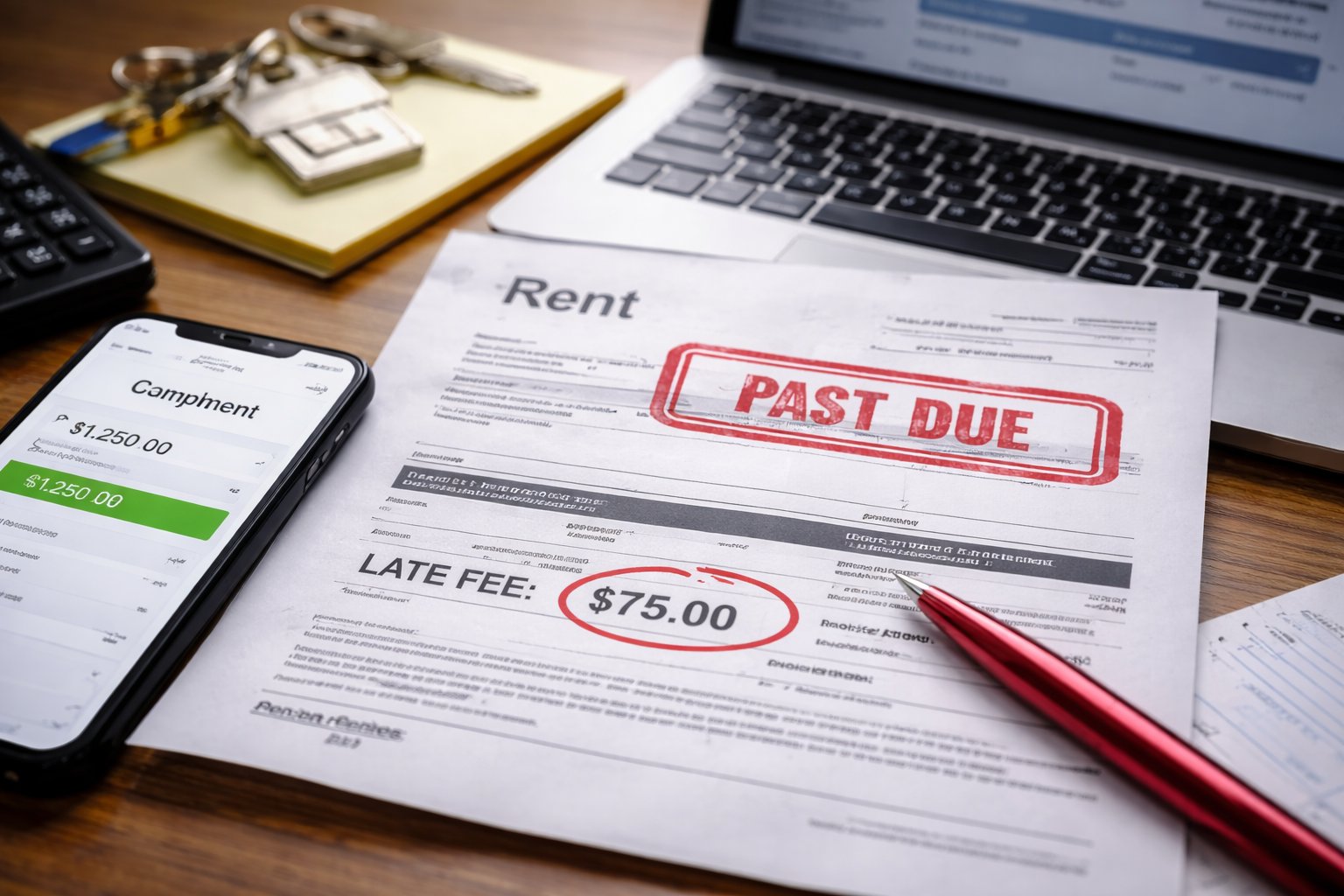
Late fee charged in error for rent — I saw it in the portal before I even finished my coffee. The rent line said “Paid.” The bank transaction was there. The confirmation email was still open on my phone. And yet the system had added a late fee like it was the most normal thing in the world.
I didn’t feel dramatic. I felt focused. Because renters learn one thing fast: a small incorrect charge becomes a “normal balance” if you let it sit. And once it becomes normal, you start getting reminder emails, then a second fee, then “please contact the office.” This guide is for that exact first moment—when it is still clearly an error and still easy to remove.
Start Here: The 3-Minute “Proof Pack”
Before you send a message or walk into the office, build a tiny proof pack. When late fee charged in error for rent becomes a back-and-forth, it’s usually because the proof wasn’t presented cleanly.
- Screenshot A: Payment confirmation page/email (date, time, amount, reference number).
- Screenshot B: Bank/credit-card transaction page (pending vs posted, amount).
- Screenshot C: Portal ledger showing the late fee line item.
- Lease snippet: Late-fee clause + grace period wording (copy/paste or photo).
- Calendar note: Due date + any office “cutoff time” if stated.
When you present these five items together, the conversation usually ends faster.
If your late fee appeared during a move-out timeline or after account changes, this is often part of the same “system timing” family:
Why this helps: It shows how “ledger timing” creates charges that look legitimate until you compare timestamps.
Why This Happens (System Reasons People Don’t Realize)
A late fee charged in error for rent is rarely about someone accusing you of not paying. It’s typically a system rule firing before your payment is fully recognized in the ledger the fee engine uses. In other words: your payment and your fee are sometimes processed by different parts of the system on different clocks.
- ACH posting delay: You paid “on time,” but the system marks it “received” only after settlement.
- Portal lag: Your payment shows up as “paid” in one view, but the fee engine didn’t see it yet.
- Autopay mismatch: Autopay schedule is set to “due date,” but your lease expects payment before a cutoff time.
- Grace period confusion: Someone assumes grace is “calendar days,” but your lease says “business days,” or vice versa.
- Weekend/holiday effect: Due date falls on a weekend; you pay; posting happens later; fee triggers early.
- New management transition: Accounts migrate, and payments are temporarily mismatched to ledgers.
The fastest resolution comes from proving timing, not debating fairness.
Landlord / Management View (How They Decide to Remove It)
Understanding what management sees helps you avoid pointless friction. When you report late fee charged in error for rent, the first person you reach often sees a dashboard flag, not your full payment trail. They’re trained to follow the system unless you give them a reason to override it.
- They look for a timestamp: “When was the payment received/applied?”
- They look for an exception path: “Is this within grace period?”
- They look for repeat patterns: “Is this a one-off or recurring?”
- They prefer clean documentation: A short message with proof beats a long story.
Most offices will remove an obvious error quickly—if you present it in a way that lets them do it without “arguing.”
Tenant Rights (Use Them Like a Professional)
State laws differ, but in most U.S. rentals, late fees must follow the lease and applicable state rules. You can usually request:
- A review based on your payment timestamp and method.
- Application of the lease’s grace period exactly as written.
- A written confirmation that the fee is removed or credited.
For an official, general overview of tenant protections and where renters typically start (without legal overreach), use this U.S. government resource:
Why this matters: You’re not threatening a lawsuit. You’re showing you understand the normal framework: lease terms, correct posting, and reasonable correction of errors.
Case Branching : Find Your Exact Situation and Follow That Path
This is the core of the fix. A late fee charged in error for rent can look identical across tenants, but the correct resolution depends on what triggered the fee.
Case A: You Paid On the Due Date (Same Day) and Still Got the Fee
- Check the lease: Does it define a time cutoff (e.g., “by 5pm”)? If not, it usually implies the date matters.
- Check your confirmation time: If your receipt shows the same date, include it in your first message.
- What to request: “Please remove the fee—payment was made on the due date. Attached is proof.”
- What to watch: If they claim “it posted late,” ask whether they measure “received” vs “settled.”
Case B: You Paid During the Grace Period but the System Ignored It
- Pull the exact grace wording: “X days after due date” is not the same as “X business days.”
- Match calendar reality: Weekends/holidays can change the interpretation depending on the lease.
- What to request: “This payment is within the lease grace period. Please reverse the late fee under the lease.”
- Pro tip: Attach only the lease excerpt, not the whole lease. Make it easy to approve.
Case C: Autopay Was Enabled, But It Paid “Late”
- Autopay date ≠ due date compliance: Some autopay runs after midnight or after a processing window.
- What to do now: Request a one-time waiver if it’s the first occurrence and you can show autopay was active.
- Then fix the future: Change autopay to 2–3 days before due date, not “on the due date.”
- What to request: “Autopay was enabled. Please waive the late fee and I will adjust autopay to prevent future issues.”
Case D: Your Bank Shows “Posted,” But the Portal Says You’re Late
- This is the classic mismatch: Payment is real, but the ledger hasn’t applied it.
- What to request: “Please apply the posted payment to my rent ledger and remove the late fee caused by the posting delay.”
- Ask one key question: “Is the fee triggered by ‘received’ date or ‘applied’ date?”
- Get it in writing: If they confirm posting delays can cause false late fees, ask for the fee reversal confirmation.
Case E: You Paid by Check or Money Order
- Check/money order proof matters: Provide a photo of the check front/back if available, or the money order receipt.
- Delivery timeline matters: If mailed, confirm when it was sent and when it was received.
- What to request: “Payment was delivered/received on time. Please remove the late fee and confirm the posting.”
- Common gotcha: A check received but not deposited can still trigger late fees in some systems.
Case F: You Paid the Correct Amount, But It Was Applied to the Wrong Month
- What this looks like: Portal shows late fee for current month, but last month is marked “paid twice” or has an odd credit.
- What to request: “Please reallocate the payment to the correct month and remove any late fee caused by misapplication.”
- Why this happens: Some systems apply payments to the oldest balance first unless specified.
Case G: Partial Payment or Split Payments Triggered an Automatic Late Fee
- Check the lease rule: Some leases treat anything less than full rent by due date as late.
- If you split payments: Provide both confirmations and request removal if the full amount was received by the deadline.
- What to request: “The full rent amount was received by the deadline across two payments. Please remove the late fee.”
- If it truly was late: Don’t lie—ask for a one-time courtesy waiver instead of calling it an error.
Case H: New Management / System Migration (Fees Suddenly Appear)
- Common pattern: Your “paid” history looks messy, and fees appear that never existed before.
- What to request: “Please audit the rent ledger during the system transition and remove any fees created by migration errors.”
- What to protect: Ask them to note your account so the fee doesn’t trigger notices while being reviewed.
What to Send (Copy-Paste Message Template)
Keep your message short and attach proof. This increases the chance the late fee charged in error for rent is removed without multiple rounds.
Subject: Late Fee Charged in Error — Request for Review
Message:
Hello, I’m seeing a late fee on my account, but my rent payment was made on [date/time]. I’ve attached proof of payment and the portal screenshot showing the late fee. Please review and remove the late fee based on the payment timestamp and the lease terms (including any applicable grace period). Please confirm in writing when the correction is complete. Thank you.
Short message + proof pack = fastest resolution.
If the office is insisting the payment was not received (even though you paid), this guide helps you handle “posting vs receipt” disputes without paying twice:
Why read this: It gives a clear approach for getting a “ledger correction” instead of repeating the same argument.
When It’s Actually Not an Error (And What to Do Instead)
Sometimes you search late fee charged in error for rent because it feels wrong—yet the lease technically allows it. If any of these are true, pivot your approach:
- You paid after the grace period ended.
- The lease clearly defines a cutoff time you missed.
- Your payment was returned or failed.
In those cases, don’t call it an “error.” Ask for a one-time courtesy waiver and show you’ve corrected the payment setup.
Mistakes That Make This Worse
- Panic-paying the fee: Once paid, it may be treated as accepted.
- Sending a long emotional message: It slows down the decision.
- Threatening legal action immediately: It can push your case into “formal response only,” which takes longer.
- Letting it roll into next month: That’s how small errors become “ongoing balances.”
- Not fixing the cause: Autopay on the due date is a repeat-offender pattern.
Your power move is calm speed: document, request review, and lock in a written correction.
Escalation Ladder (Only If They Don’t Correct It)
If the late fee charged in error for rent remains after a reasonable review window:
- Step 1: Ask for a supervisor or property manager review. Re-send the proof pack.
- Step 2: Request a ledger statement showing how they applied your payment.
- Step 3: Communicate in writing only and keep a clean timeline (dates, names, outcomes).
Escalation should be documentation-based, not emotion-based.
Self-Apply Checklist (So You Don’t Miss the Key Detail)
Answer these and you’ll know exactly which case path to follow. This is how you solve late fee charged in error for rent quickly.
- Was my payment pending or posted at my bank?
- Did I pay via ACH, card, check, autopay, or a third-party app?
- Does my lease define a cutoff time or only a date?
- Is there a grace period, and is it calendar or business days?
- Could the payment have been applied to the wrong month or old balance?
If you cannot answer one of these, your next step is not “arguing”—it’s collecting that missing proof.
If this late-fee problem is part of a broader pattern (extra charges, mismatched ledgers, unexplained balances), this guide helps you dispute the bigger picture properly:
Why read this: It’s the “next step” when a late fee isn’t the only issue.
FAQ
- Should I pay the late fee while disputing it?
Usually no—request correction first. Paying can make it harder to unwind later. If you are facing a serious housing risk, ask for a written plan rather than paying blindly. - What if they say, “The system is automatic”?
That’s normal. Respond with: “I understand. Please review the payment timestamp and lease grace period and make the manual correction.” - Can they add another fee next month if I don’t handle this?
Some systems roll unpaid balances forward. That’s why you should address late fee charged in error for rent immediately and request written confirmation of the correction. - What if the payment really posted late due to my bank?
If the lease terms technically make it late, pivot to a one-time courtesy waiver request and adjust autopay/payment timing for future months. - Does disputing a late fee hurt my tenant record?
Simply requesting correction with documentation should not. Keep it professional and written. The goal is a clean ledger, not conflict.
Key Takeaways
- Most incorrect late fees are timing and posting issues.
- Your proof pack solves more than your argument.
- Use the lease language and timestamps, not emotion.
- Don’t pay an error fee “to be safe.”
- Get written confirmation when it’s removed.
late fee charged in error for rent is fixable—usually quickly—when you treat it like an admin correction instead of a fight. Your best move is fast documentation, a short request, and written confirmation.
Right now, open your payment receipt, pull the lease late-fee clause, and send the short template message. If you do that today, you’re far more likely to get the fee removed before it triggers a second reminder or rolls into next month. You shouldn’t have to “accept” an error—handle it cleanly and close it.